So after playing around on test machines, I found it time to upgrade our (small) production DPM 2010 installation to DPM 2012. With the RTM bits of course. Yeah! We have a few domain controllers, Exchange servers, file shares, web servers, a SharePoint server, SQL databases, System States on it.
This is a kind of step by step of what I encountered during the upgrade and you will find that I did hit some snags causing me to do something first before continuing. If you are trying to replicate these steps it is best to first read ahead to see if there is something you need to do first!
Alright, so first things I checked again was to see if protection groups are working. This seemed to be fine. Next to check the agents. I had two old agents in the list which were not protected either, so I removed them. There were no agents waiting for upgrades or unavailable.
Next thing to check is if we have the latest QFE for DPM 2010 (this is a QFE from March 2011):
http://support.microsoft.com/kb/2465832
If you still need to run this QFE, remember to upgrade the server components, the agents and I would advise a consistency check on the protection groups.
So the next step is to of course download the DPM 2012 iso file from wherever you get your Microsoft bits. In my case the machine is a physical server, so I used another box to unpack the files from the iso to a local path, in my case “D:DPM12”. Its is a 3 GB file containing about 2954 files so had to give it a few minutes. And a few minutes more. Alright, my hardware is not the fastest!
While we are waiting for this it might also be a good time to backup the DPM database!
So let’s start rolling with the upgrade by starting the setup from the DPM 2012 media!
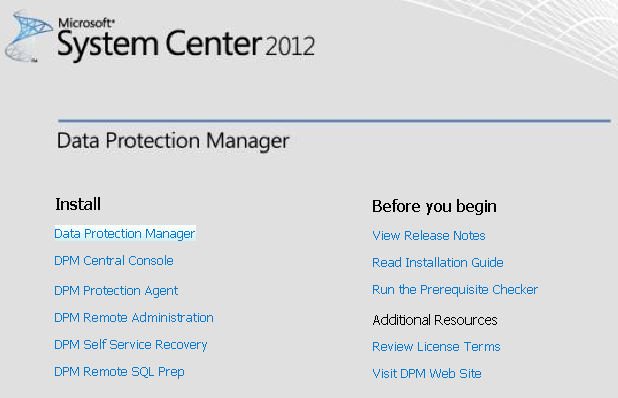
Click the Data Protection Manager to install. Accept the following agreement.
After waiting a while for the installer to unpack we get an error as follows:
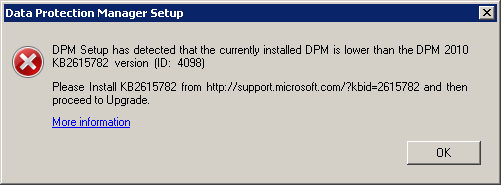
Alright, so we need to download that fix from here first:
http://support.microsoft.com/kb/2615782
After installation of this hotfix and restarting the DPM server and updating all the agents, we can go for the next step which was the previous step… Running the installer for DPM 2012 again!
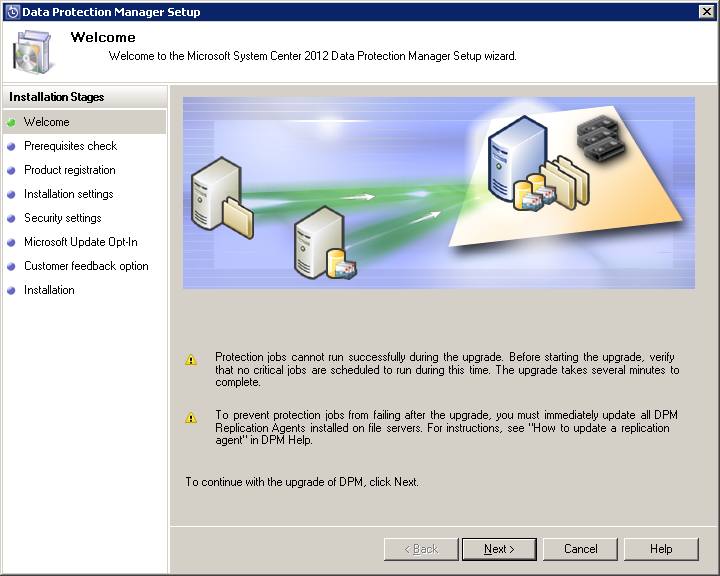
And that brings us up to the welcome page of the DPM 2012 setup.
This brings us to the prerequisite check and the question what SQL to use.
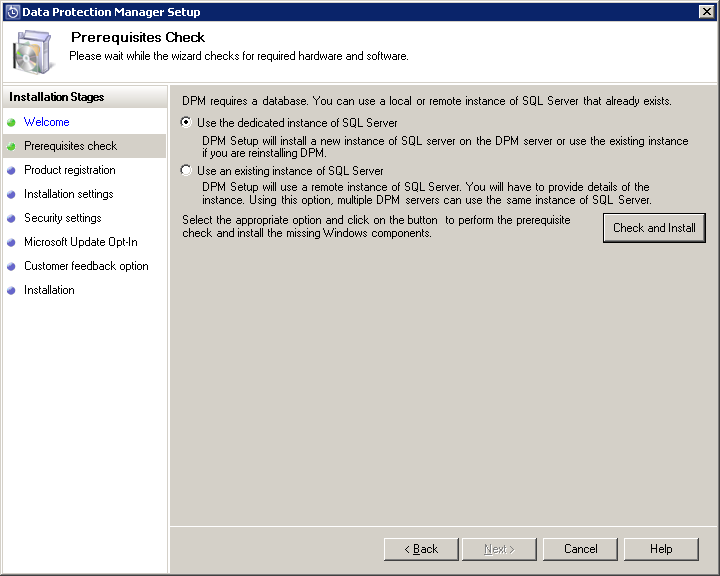
I will go for the first option and press the Check and Install button.
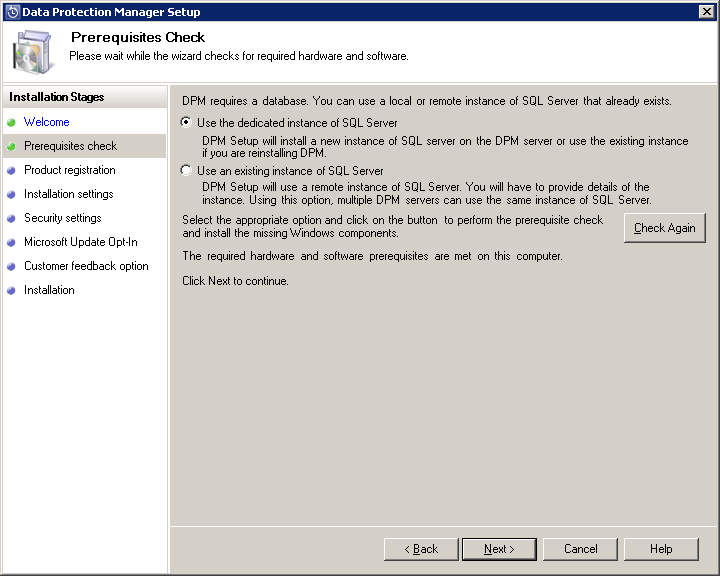
The check went fine, so let’s go to the next step.
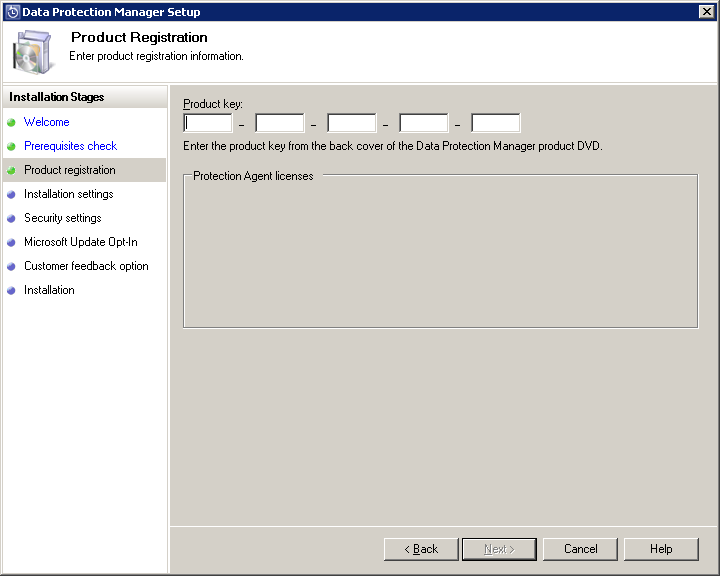
Alright we need the product key from the back of the DVD. In my case that will be the back of the downloaded ISO file. After entering the product key we move on to the next step:
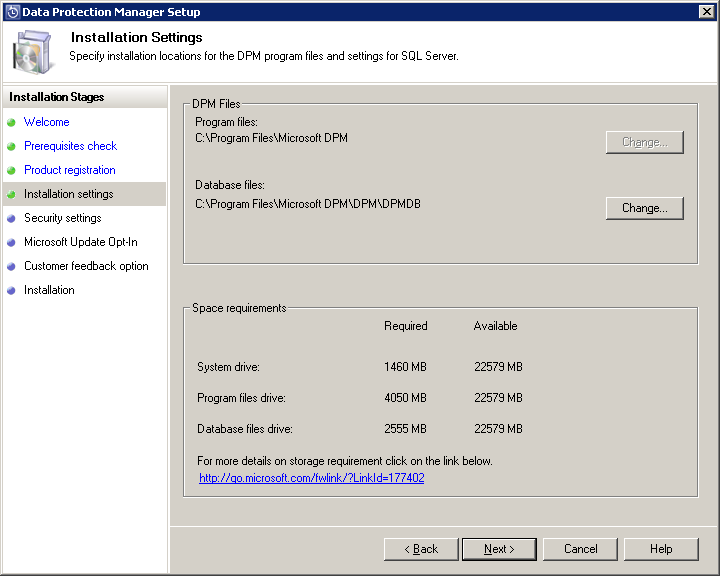
I had all components on the C drive already and there is sufficient space available there, so we can move ahead.
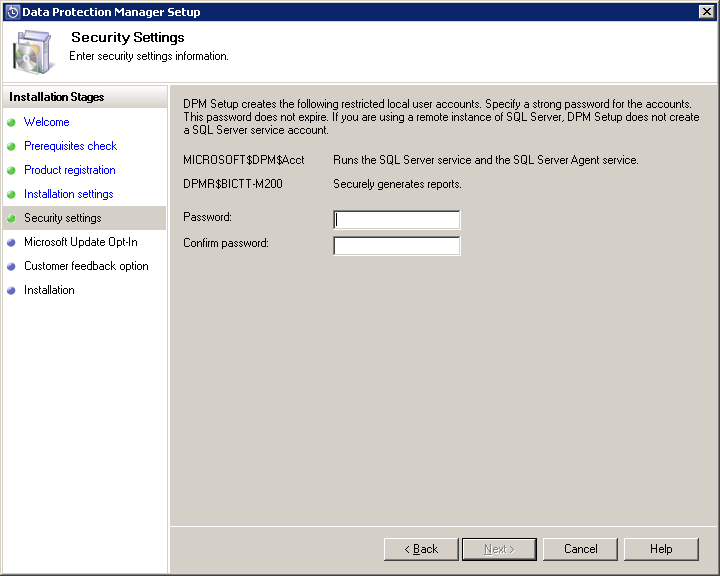
DPM creates a local user for you and you need to enter a password for this account.
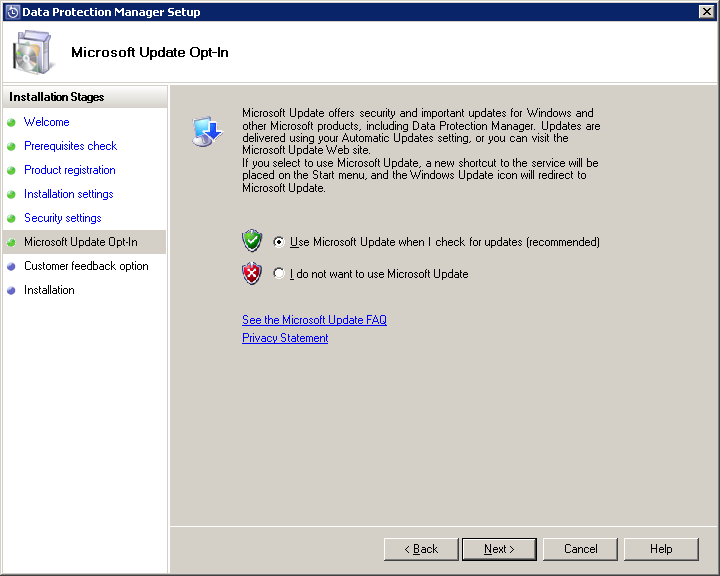
We are asked whether to opt-in to Microsoft Update. So at the moment of this writing Microsoft is slowly adding the System Center 2012 products into Microsoft Update (and WSUS). I will use the opt-in setting here to connect to Microsoft Update, in order to be ready for future updates coming through that channel.
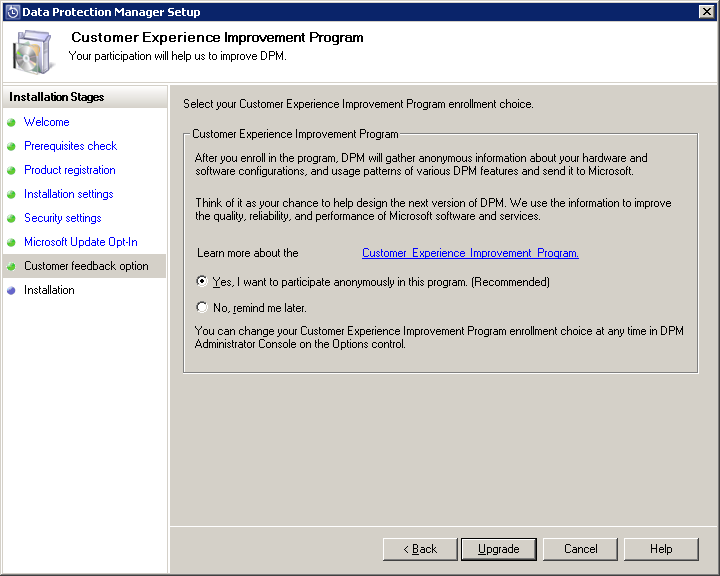
We are asked whether we want to enter into the CEIP. I click Yes and see the magic Upgrade button at the bottom of the screen. Let’s go for it.
This starts to install SQL 2008 R2. This took a while.
After this step it went into installing DPM 2012 and it gave a fail.
Hmmmm….
Alright, it looks like it had a problem copying over de old DPM 2010 database. Probably had a locked file due to SQL services stopping a bit too slow. So I went back and ran the installer again. And the result was positive!
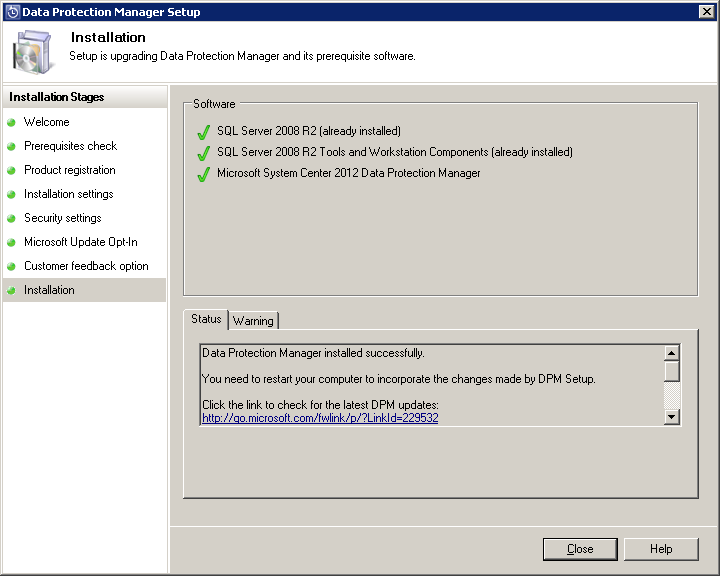
Next on the agenda is the reboot, so did that immediately.
After the reboot I open the DPM 2012 console. Great!
So first thing I want to do is update the agents.
On the left side menu go to Management and find the agents with the following status:
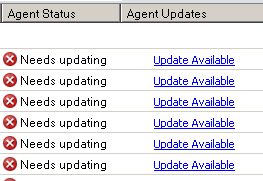
We can select these agents and use the Update Available link to start updating them.
After all agents have been updated we move on to the Protection pane.
You can select a protection group and click the Consistency check button in the top menu.
All of them need to get a consistency check.
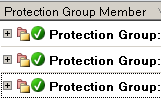
After some time you should be seeing those nice green icons again!
Of course check everything that doesn’t turn green in the console. And we now need to update DPM monitoring in SCOM as well, but that is out of scope for today!
Conclusion
So in all we needed to check the latest DPM 2010 update was installed and we needed another update as well before we could move ahead with the full upgrade. In this case we ran into another snag during the upgrade, but we went for it again and everything was alright.
Another update done. On to the next!
Bob Cornelissen
